Example 1 · Blender 3D
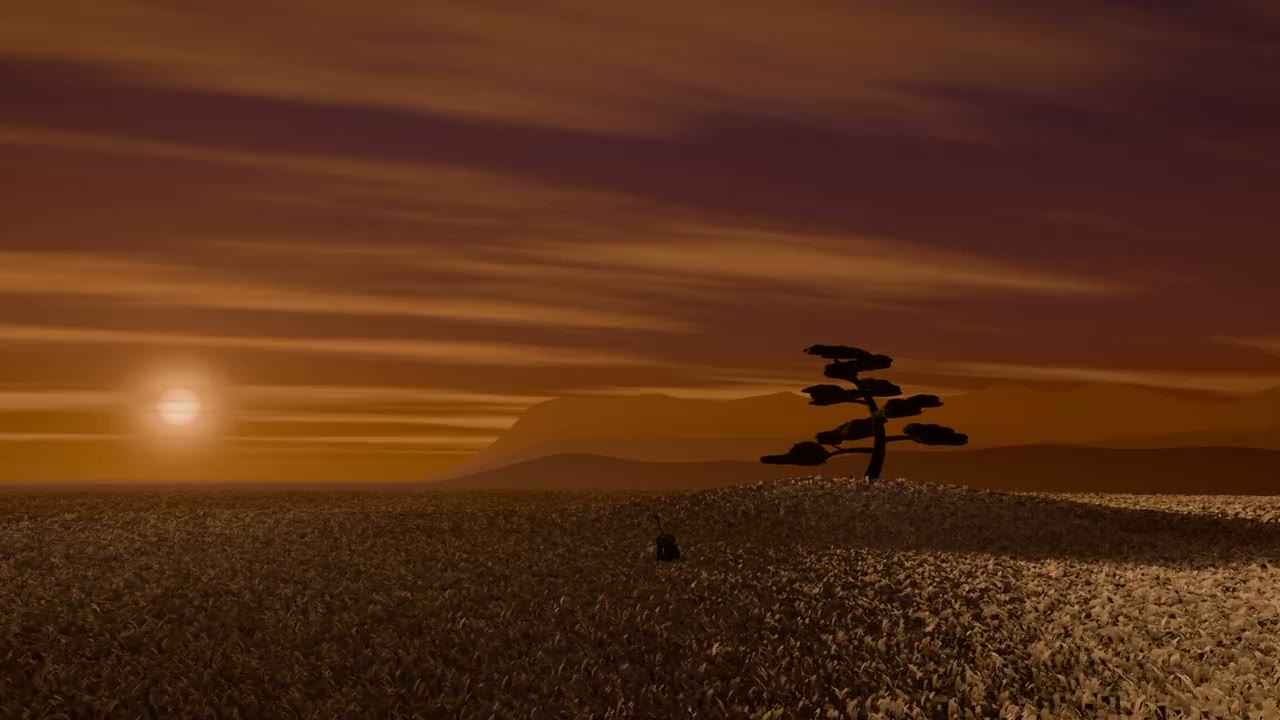
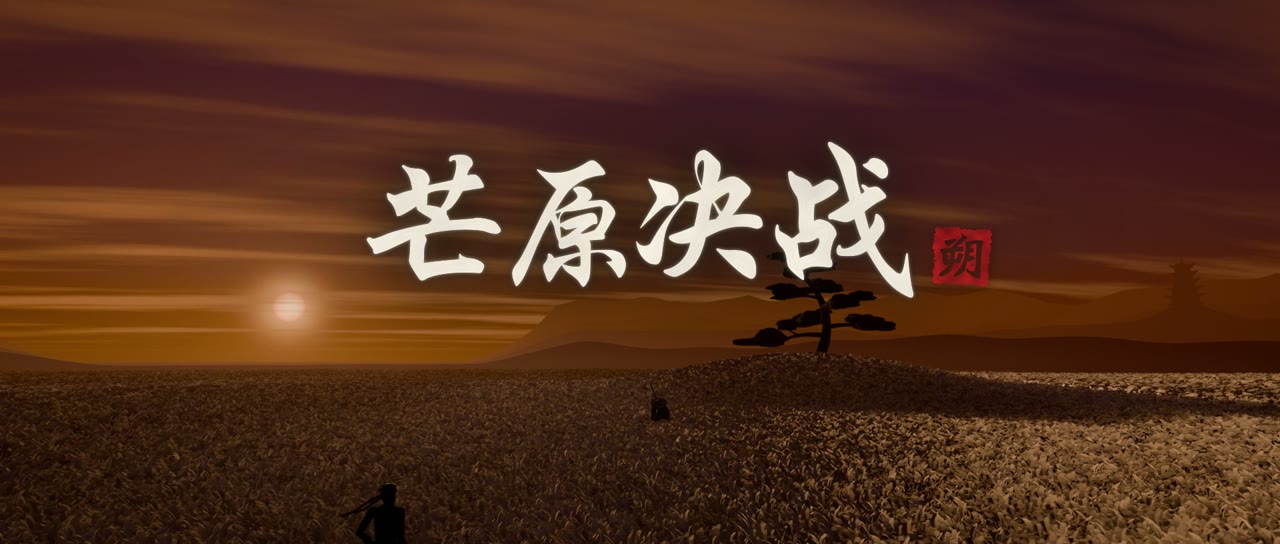
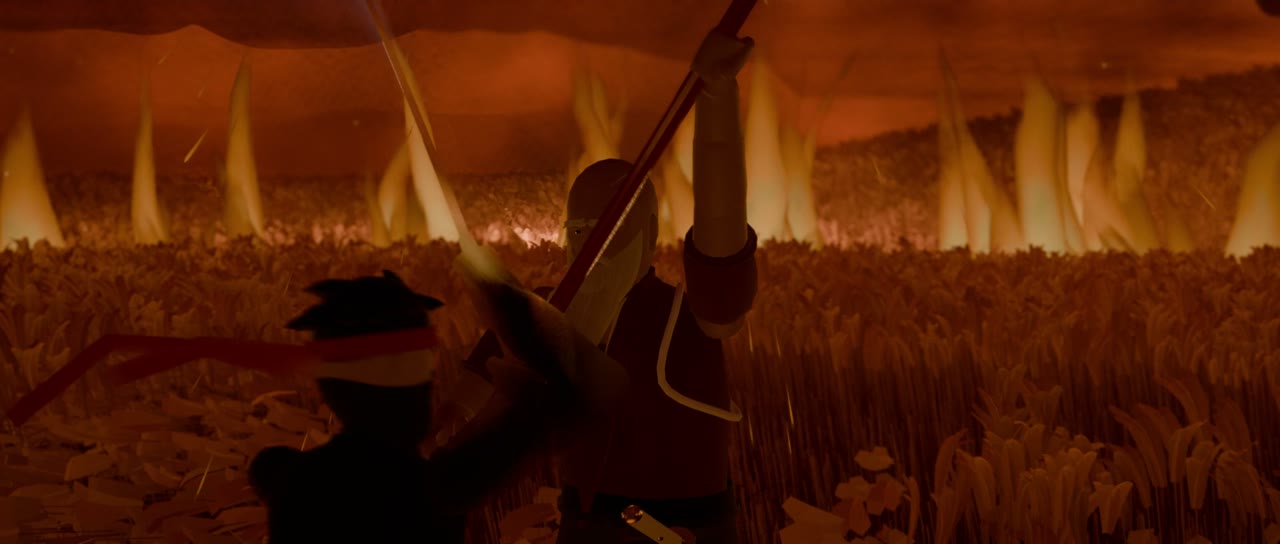
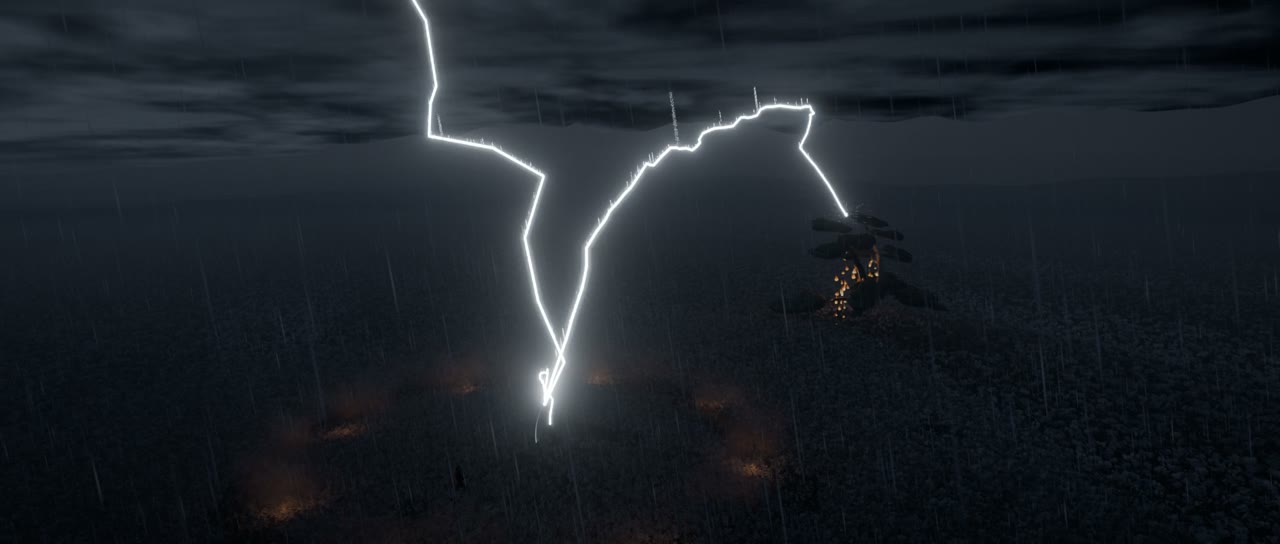
Duel in the Silver Grass
Sunset over a sea of silver grass. A masterless shinobi faces an old sword master, through three acts: Blade, Fire and Thunder. Characters, choreography, cameras and VFX are Python running inside Blender, and every note and sound is synthesized.
Example 2 · 2D painting
The Night Revels of Han Xizai, Cat Edition
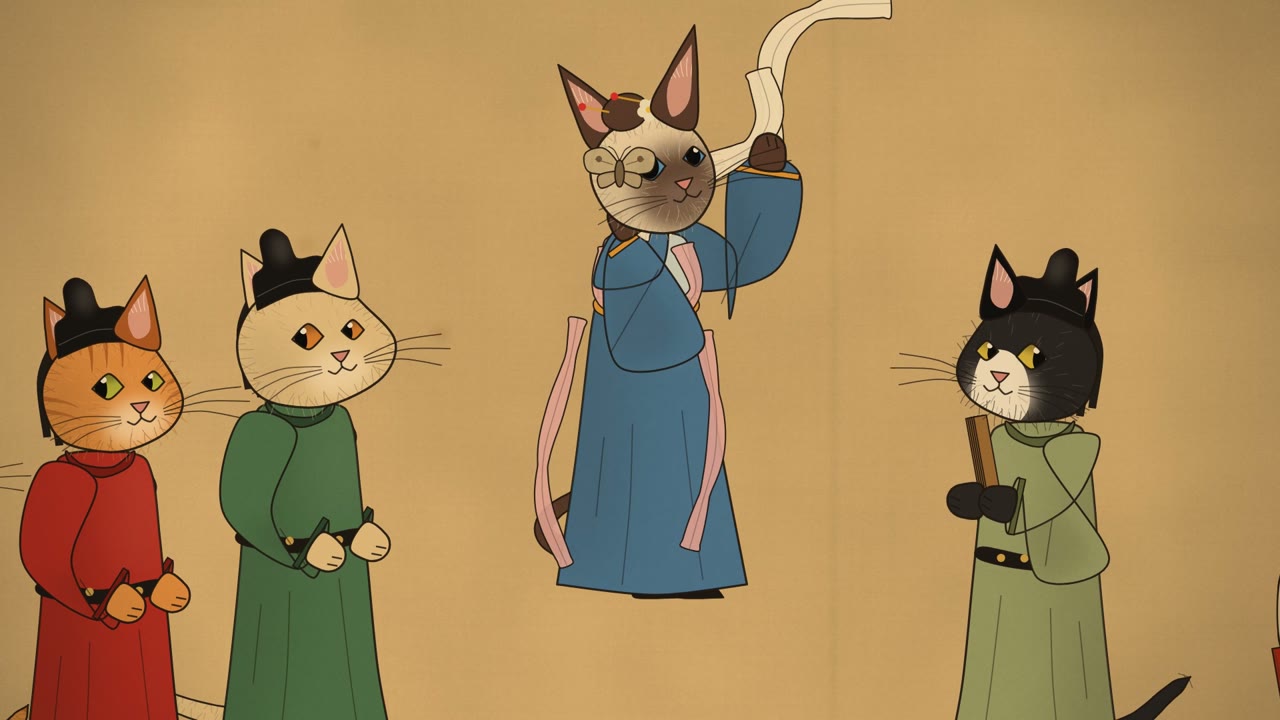
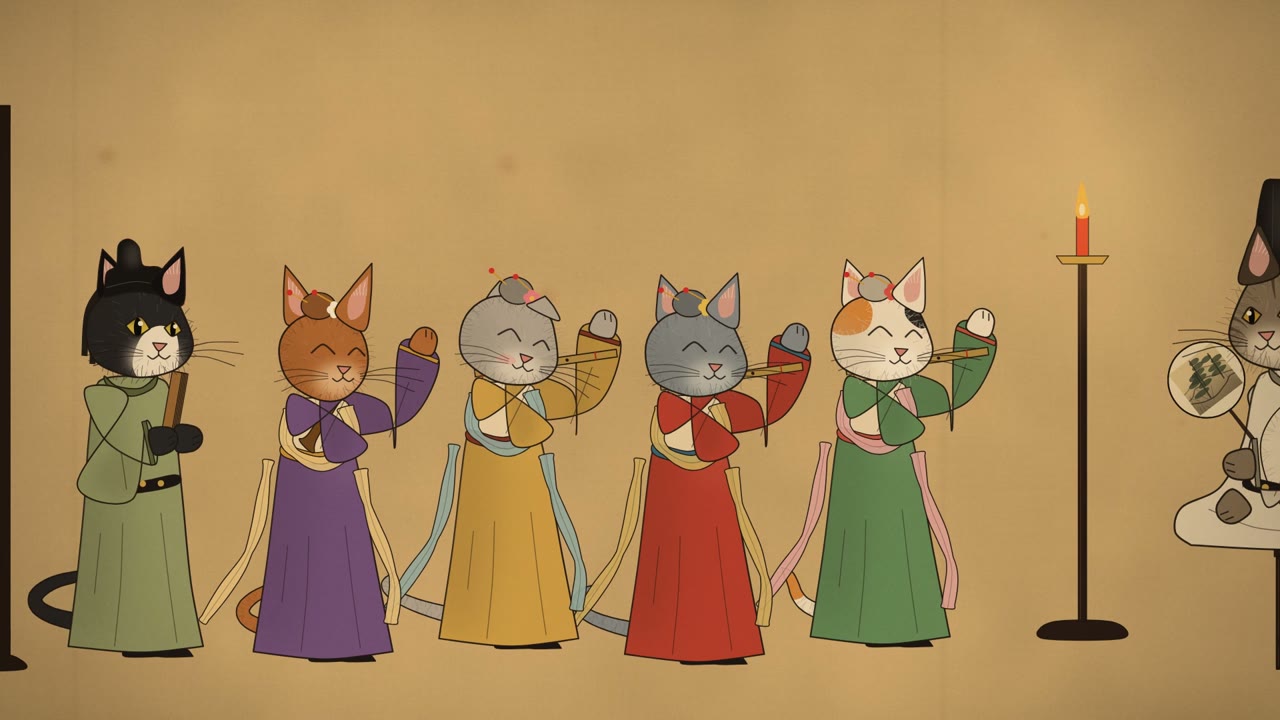
A night banquet painted on silk, and every guest is a cat. A kitten painter spies from behind the screens while the court cats, elegant in Tang silk, give themselves away: a pushed cup, a moth that stops the dance, a refused wash, a squeaking flute. Drawn as gongbi puppets with skia.

Highlights
Directed in words, made in code
Films made by a coding agent
Both example films were directed in plain language and built end to end by a coding agent: story, characters, animation, cameras, score, sound and mastering.
Two complete example films
A 160-second samurai duel rendered in Blender 3D, and a 128-second living handscroll painted in 2D. They use different techniques and share the same framework.
A small contract, any renderer
A film declares its steps in film.toml, and codecinema run <film> <step> runs them with that film's settings. Blender, vector drawing, shaders: anything that writes frames fits.
A shared sound toolkit
The DSP behind both scores ships with the framework: oscillators, plucked-string and modal models, convolution reverb, a true-peak limiter and loudness helpers.
Reproducible and configurable
Deterministic renders, resumable parallel jobs, layered settings without editing tracked files, and helpers that work on macOS, Linux and Windows.
Quick start
Run the examples
git clone https://github.com/ZJUCQR/CodeCinema.git && cd CodeCinema
python3 -m venv .venv && source .venv/bin/activate     # Windows: .venv\Scripts\activate
pip install .                                          # installs the `codecinema` command

codecinema check                      # Python packages, ffmpeg, and Blender for the 3D example
codecinema list                       # the films and their steps
codecinema run nightrevels all        # the 2D example: the whole film in a few minutes
codecinema run silvergrass all # the 3D example: needs Blender 5.2+, a long render| Command | What it does |
|---|---|
codecinema list | The films in films/, with their steps and requirements |
codecinema run <film> <step> [args] | Run one step of a film with that film's settings |
codecinema new <id> [--title "…"] | Start a new film from the template |
codecinema check | Check the toolchain and the Python packages |
Make a film
Start your own
The template is a complete, tiny film: draw_frame() draws each frame, score() composes the sound, and the framework encodes and muxes them. Replace the two functions with your own film and grow it from there. The full guide is docs/FRAMEWORK.md.
codecinema new myfilm --title "My Film"     # creates films/myfilm/ from the template
codecinema run myfilm all # renders a 6-second starter film[film]
id = "myfilm"
title = "My Film"
entry = "src/run.py" # the script that runs the film's steps
steps = ["render", "audio", "assemble", "all"]
[settings.video]
width = 1920
height = 1080
fps = 24Project layout
Where things live
CodeCinema/
├── codecinema/             # the framework
│   ├── cli.py              # codecinema list | run | new | check
│   ├── settings.py         # layered per-film settings, tool and font discovery
│   ├── films.py            # film discovery and step running
│   ├── media.py            # ffmpeg: probe, encode, concat, mux
│   ├── procutil.py         # cross-platform locks, processes, memory
│   ├── audio/dsp.py        # the shared audio toolkit
│   └── template/           # the starter film used by `codecinema new`
├── films/
│   ├── silvergrass/        # example: Duel in the Silver Grass (Blender 3D)
│   └── nightrevels/        # example: The Night Revels of Han Xizai, Cat Edition (2D)
├── docs/                   # the framework guide
├── site/                   # this homepage
└── pyproject.toml          # the package and its dependencies
How it works
How a film is made
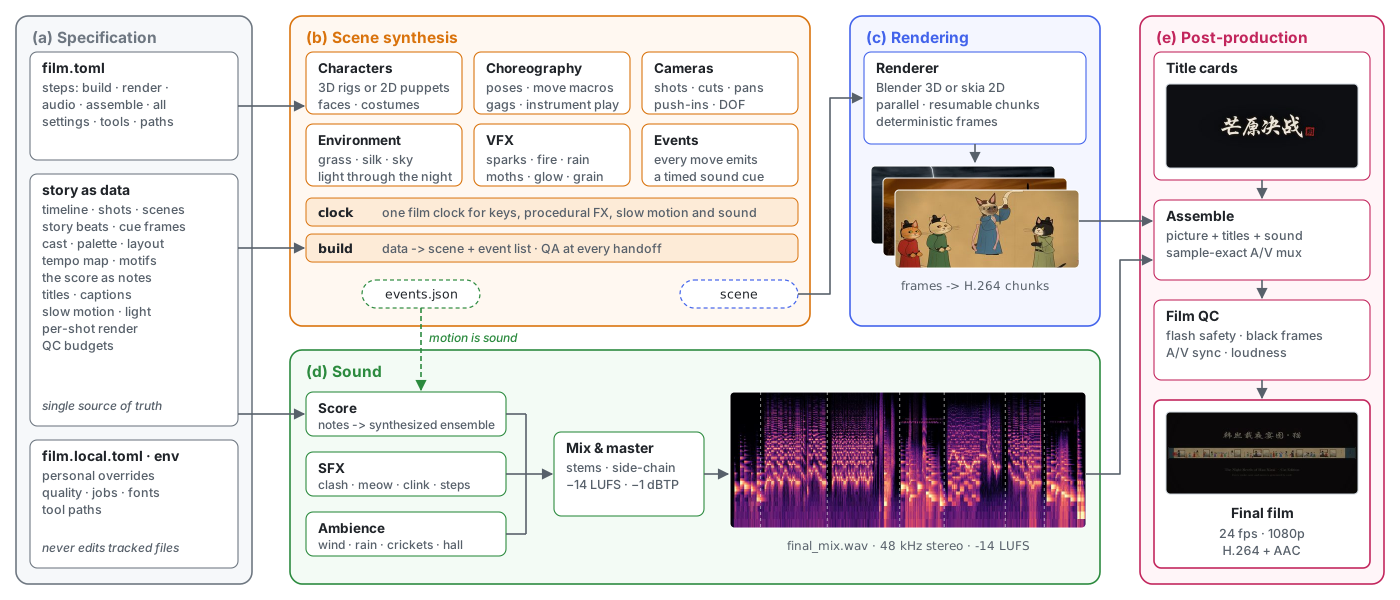
Figure 1. How a CodeCinema film is produced. (a) The film is written as data: film.toml declares its steps and settings, and one config holds the story (timeline, beats, cast, the score as notes). (b) The film turns that data into a scene: characters, choreography, cameras, environment and VFX, all keyed on one film clock, and every move emits a timed sound event. (c) A renderer draws the frames in parallel, resumable chunks: Blender 3D in one example, skia 2D painting in the other. (d) The score, SFX and ambience are synthesized from the notes and events, then mixed and mastered. (e) Titles, picture and sound are assembled sample-accurately and checked. The framework runs every step with the film's settings and supplies the shared settings, sound toolkit and ffmpeg helpers.